Meeting Minutes Templates: 4 Ready-to-Use Formats for Every Meeting Type
Four copy-and-paste meeting minutes templates for team, client, project and board meetings, with a breakdown of every section and the mistakes to avoid.
Usable meeting minutes need six parts: meeting details, attendance, discussion summary, decisions made, an action table with an owner and a due date for each item, and a sign-off. Below are four ready-made templates for the most common meeting types. Copy the one you need and adapt it.
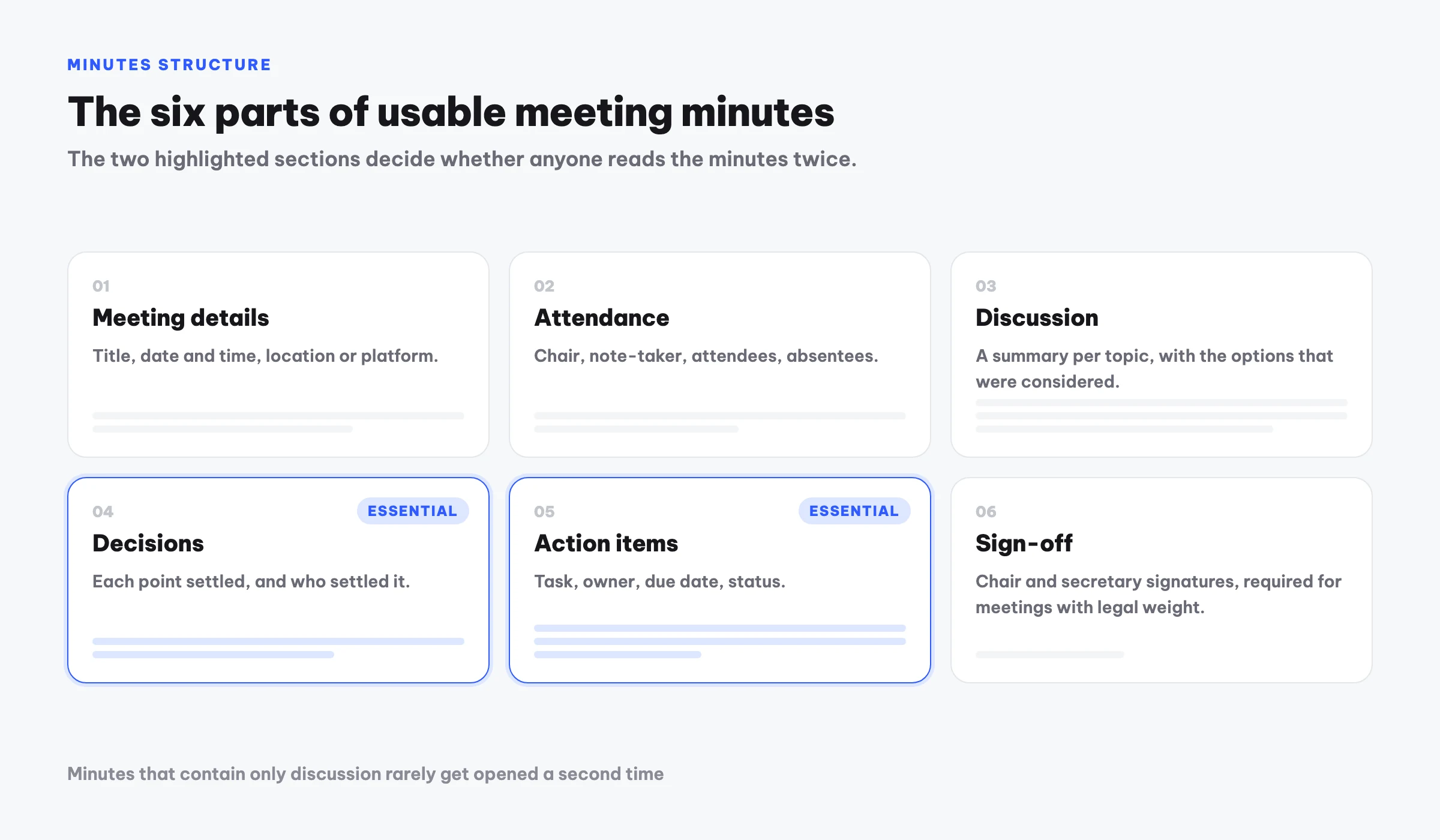
What belongs in a set of minutes
Before the templates, it helps to know why each section exists. Plenty of long minutes turn out useless because they skip the last two sections.
| Section | What it holds | Why it matters |
|---|---|---|
| Meeting details | Title, date and time, location or platform | Lets you place the meeting when you look it up months later |
| Attendance | Chair, note-taker, attendees, absentees | Establishes who agreed and who still needs to be told |
| Discussion | Summary per topic, options considered | Preserves the reasoning, not just the outcome |
| Decisions | What was settled, and who settled it | Ends the "I never agreed to that" argument |
| Action items | Task, owner, due date, status | Turns a meeting into work instead of a record |
| Sign-off | Chair and secretary confirmation | Required for board meetings and anything with legal weight |
Decisions and action items are the two sections people drop most often. Minutes that contain only discussion rarely get read a second time.
Template 1: Recurring team meeting
For weekly or monthly stand-ups where progress and assignment are the point.
TEAM MEETING MINUTES

Meeting: Weekly team meeting, week [number]
Date and time: [time] on [date]
Location: [room or platform]
Chair: [name, role]
Note-taker: [name]
Attendees: [list]
Absent: [list, reason]

1. SINCE LAST MEETING
- [Completed item]
- [Item behind schedule, and why]

2. DISCUSSION
2.1. [Topic 1]
     Main points: [summary]
     Options considered: [A, B]
2.2. [Topic 2]
     ...

3. DECISIONS
- [Decision 1] — decided by: [name]
- [Decision 2] — decided by: [name]

4. ACTION ITEMS
| Task | Owner | Due | Status |
|------|-------|-----|--------|
|      |       |     |        |

5. CARRIED TO NEXT MEETING
- [Item deferred]

Chair                                Note-taker
[signature, printed name]            [signature, printed name]
Template 2: Client meeting
The focus shifts entirely: you need the client's requests captured precisely, plus what each side committed to, because this becomes the reference when scope is disputed.
CLIENT MEETING RECORD

Date and time: [time, date]
Location: [location]
Client: [organisation]
  Represented by: [name, role]
Supplier: [organisation]
  Represented by: [name, role]

1. PURPOSE OF THE MEETING
[One short paragraph]

2. CLIENT REQUESTS
2.1. [Request 1 — quote the client's own wording where you can]
2.2. [Request 2]

3. SUPPLIER RESPONSE AND PROPOSALS
[Content]

4. AGREED
- [Agreed point 1]
- [Agreed point 2]

5. NOT YET AGREED
- [Open point, and when it will be resolved]

6. NEXT STEPS
| Task | Owner side | Due |
|------|------------|-----|
|      |            |     |

Client representative                Supplier representative
The "Not yet agreed" section is the one people skip, and it is the one that protects you later. Recording what is still open matters as much as recording what is settled.
Template 3: Project meeting
For milestone reviews, where risks and dependencies are what you actually need to track.
PROJECT MEETING MINUTES

Project: [name]        Phase: [current milestone]
Date and time: [time, date]
Chair: [name]          Note-taker: [name]
Attendees: [list]

1. PROGRESS AGAINST PLAN
| Work item | Planned | Actual | Variance |
|-----------|---------|--------|----------|

2. ISSUES RAISED
- [Issue] — impact: [high/medium/low]

3. RISKS AND DEPENDENCIES
- [Risk] — mitigation: [plan]
- [Waiting on whom, for what]

4. DECISIONS
- [Decision] — decided by: [name]

5. ACTION ITEMS
| Task | Owner | Due | Status |
|------|-------|-----|--------|

6. NEXT MILESTONE
[Date and what must be true by then]
Template 4: Board meeting
For meetings with legal standing: boards of directors, shareholder meetings, governing bodies. Stricter on form and voting.
MINUTES OF THE [board name] MEETING

Reference: [number]
Date and time: [time, date]
Location: [location]
Total members: [n]    Present: [n]    Absent: [n]
Attendance rate: [%] — quorum [met/not met]

Chair: [name]
Secretary: [name]

1. AGENDA
[List of items]

2. PROCEEDINGS
2.1. [Item 1]
     Presented by: [name]
     Discussion: [summarise each contribution, naming the speaker]

3. VOTING
| Resolution | For | Against | Abstain | Outcome |
|------------|-----|---------|---------|---------|

4. RESOLUTIONS PASSED
- [Text of the resolution]

These minutes were read back to the meeting and approved at [time] on the same day.

Chair                                Secretary
Four common mistakes
- Transcribing the meeting almost word for word. Minutes are not a transcript. Readers want conclusions, not every sentence spoken.
- Recording an action with no name against it. A task without an owner is a task nobody does.
- Leaving the due date blank. With no deadline the item drifts, and the next meeting reopens the same discussion.
- Sending the minutes three days later. Memory fades fast, so corrections come in late and inaccurate. Within 24 hours is the sensible standard.
Cutting the time this takes
Filling these templates by hand still costs real time, especially the discussion summary. Three common ways to shorten it:
- Prepare the skeleton before the meeting. Paste the template into a document ahead of time and fill it live rather than rewriting from scratch afterwards.
- Record and replay. Safer for accuracy, but a one-hour meeting typically adds two to three hours of transcribing and summarising.
- Automate it. Record the meeting and let AI transcribe and structure the minutes. That is what Meco does: record the meeting in the room or upload an existing recording, and get back minutes already split into summary, decisions and an action table matching the structure above.
Any of the three works, as long as the finished minutes carry real decisions and real action items. Those two sections are what decide whether the meeting was worth holding.
Frequently asked questions
What must a set of meeting minutes contain?
At minimum: date and time, location, attendance, a discussion summary, the decisions made and the action items. For board meetings or anything with legal weight, add a reference number, the attendance rate, voting results, and signatures from the chair and secretary.
Who signs meeting minutes?
Usually the chair and the note-taker. For meetings between two organisations, an authorised representative from each side signs. For internal meetings with no legal weight, circulating the minutes by email with no objection inside a stated window normally counts as approval.
What is the difference between minutes and a resolution?
Minutes record the whole proceeding; a resolution records only what was passed and is enforceable. A board meeting usually produces both, with the resolution drawn from the voting section of the minutes.
Who should receive the minutes, and how quickly?
Everyone who attended, everyone who was absent, and anyone affected by the decisions. Within 24 hours is the reasonable target, while people still remember clearly enough to flag anything recorded wrong.
Should rejected ideas be recorded too?
Yes, briefly. That section preserves why an option was ruled out, which stops the next meeting from relitigating something already settled.
Try Meco for free
Record or upload a meeting and get minutes with decisions and action items right away. First hour free.
Start for free